FileMaker Pro 15 All New Features






Mobility
- Touch ID support
- App extensions support
- iBeacon support
- 3D Touch support
- FileMaker WebDirect
Ease of use
- New Starter Solutions
- Web-based Help
- Updated user interface
- Check FileMaker Pro updates online
Automation & Integration
- Highlighted script errors
- Undo scripting
- ESS Adapter
Enhanced security
Enhanced Performance
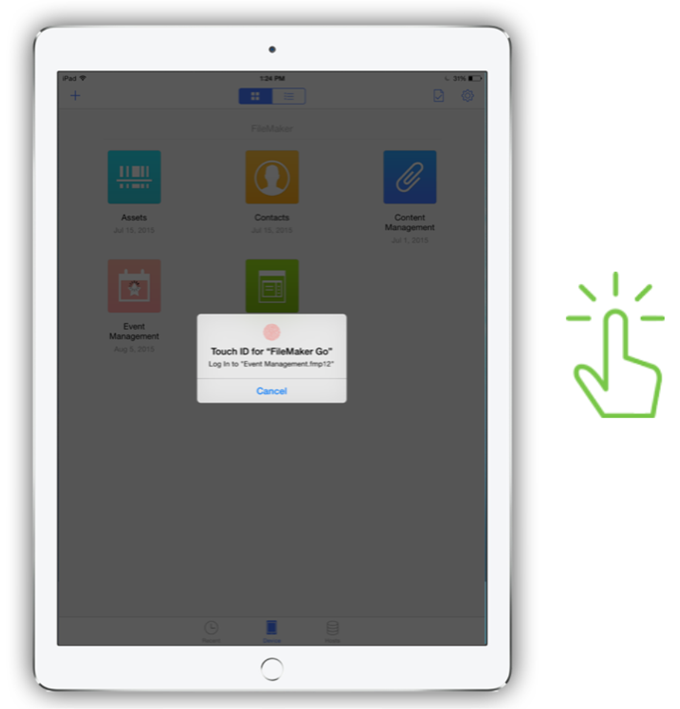
Touch ID support
Securely access your custom apps by unlocking them with the fingerprint identity sensor on iPhone.
App extensions support
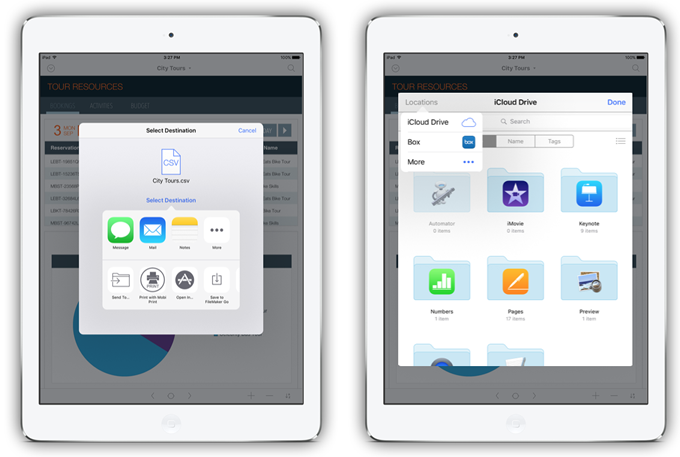
Work with other apps on your iOS device. Send data to an image/video editing app, Keynote, Numbers or Pages, etc. from and back to FileMaker Go after edit and save. Even easily send and receive files including documents, images, videos, and more via iCloud.
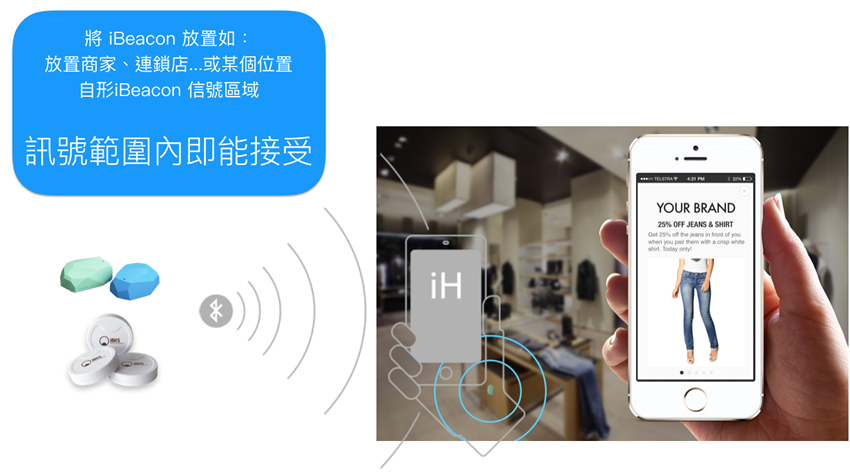
iBeacon support
Support iBeacon on FileMaker Go 15. It’s a protocol developed by Apple, and uses Bluetooth low energy (Bluetooth 4.0 or Bluetooth Smart) to set up signal iBeacon areas. The technology enables any iOS device to perform actions when in close proximity to an iBeacon. Users are prompted whether or not to use that signal. (iBeacon base station may set up a signal area automatically. Once a device enters that area, the corresponding app shall prompt the user to connect to the network. With the small wireless sensor and Bluetooth low energy that can be built into any object, users are able to transmit data on smart devices.)
For instance: When you are in close proximity to the iBeacon of a mall or a chain store, you may receive push notifications like best offers and something matches your interests. You don’t waste time searching. Apps on receiving devices can use signals received from iBeacons to trigger their own push notifications. The iBeacon developer (or software developer) usually decides the services to push and receive.
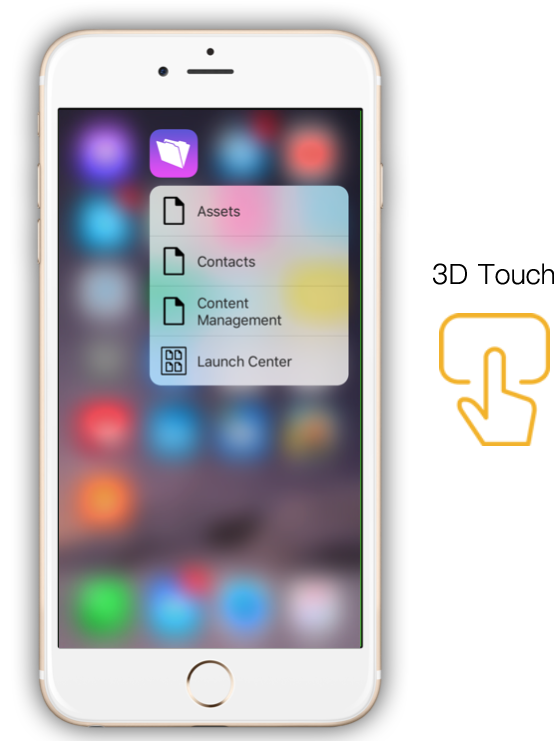
3D Touch support
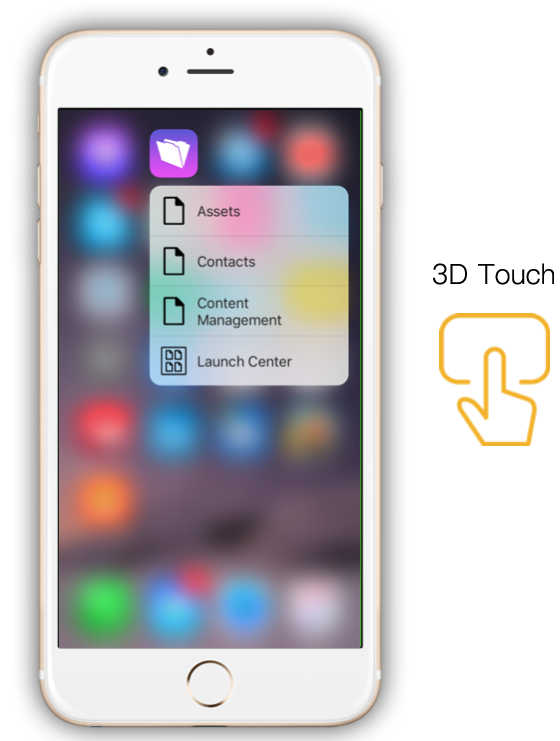
On 3D Touch-enabled devices, you may directly launch recent database apps or access the Launch Center from the FileMaker Go icon (Right-click menu) on the home screen.
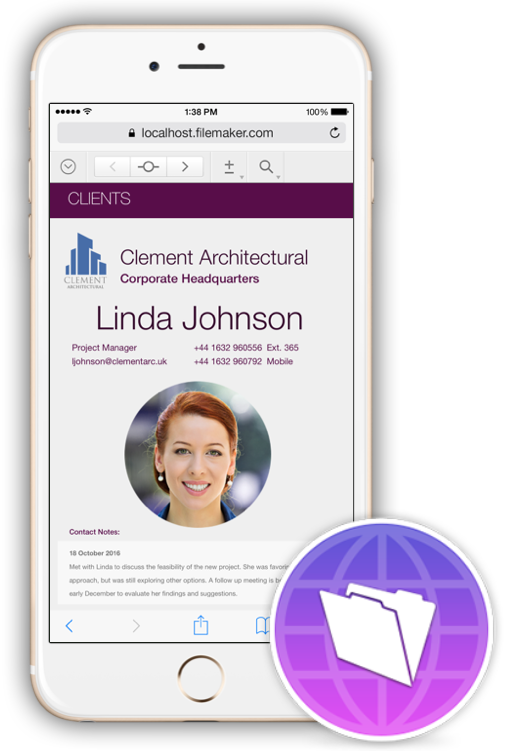
FileMaker WebDirect
Now you may use your iPad/iPhone to access FileMaker apps in a web browser. The enhanced Responsive Web Design (RWD) interface brings a streamlined experience to users.
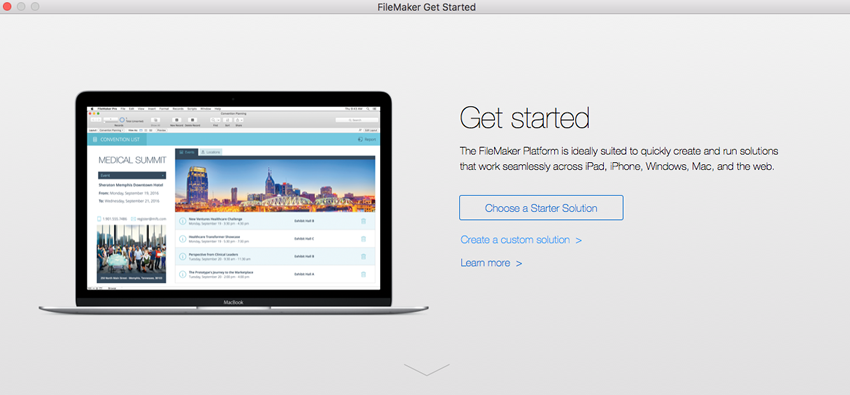
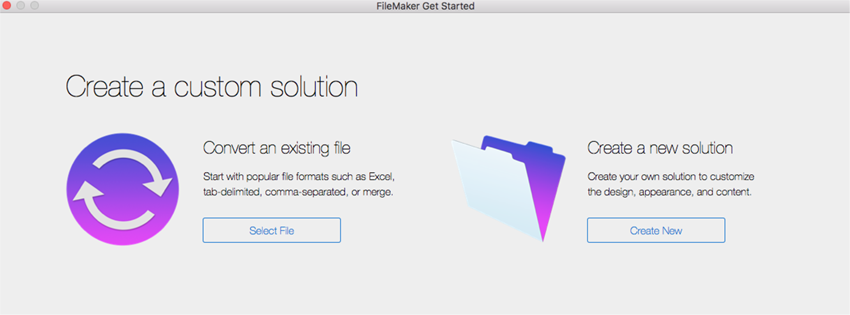
New Starter Solutions lead you to do anything you want in an instructive interface. Start creating new database apps, new solutions and more from the Starter Solutions.
Contacts, Inventory, Content Management and Tasks templates are improved in the new version.
Web-based Help
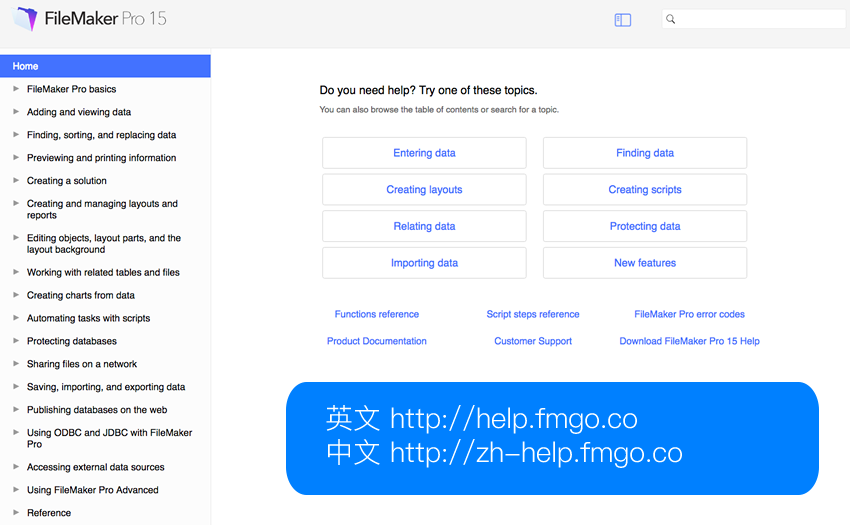
You may need to consult Help when using any programing tool. This is a dictionary at your fingertips. With the new Responsive Web Design (RWD),
you can now access it on different devices. The company can update the contents at any time, reducing the size of download file.
Quickly access from the short URL.
EN http://help.fmgo.co
CN http://zh-help.fmgo.co
Updated user interface
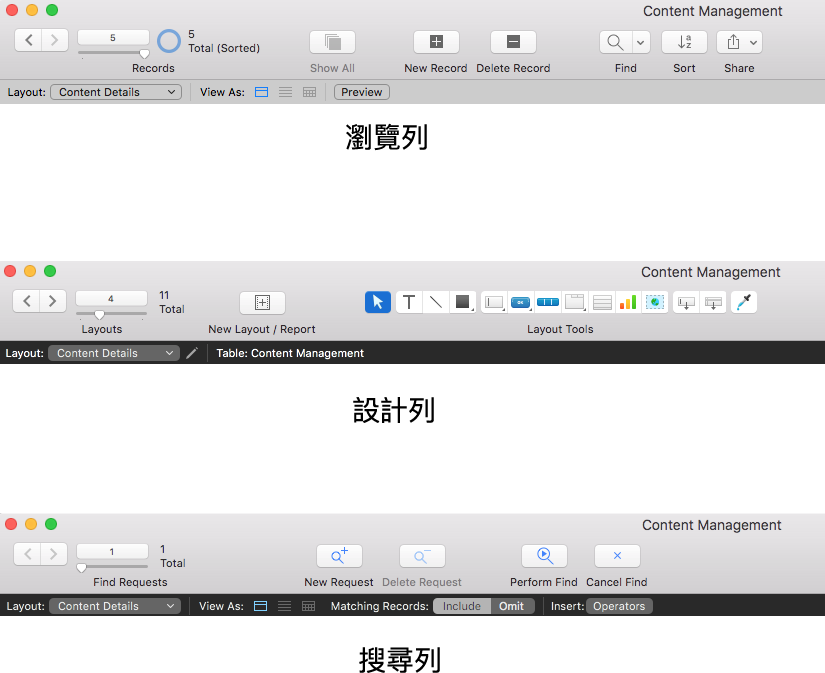
The Apple-like newly designed status toolbar icons keeps your custom apps looking fresh.
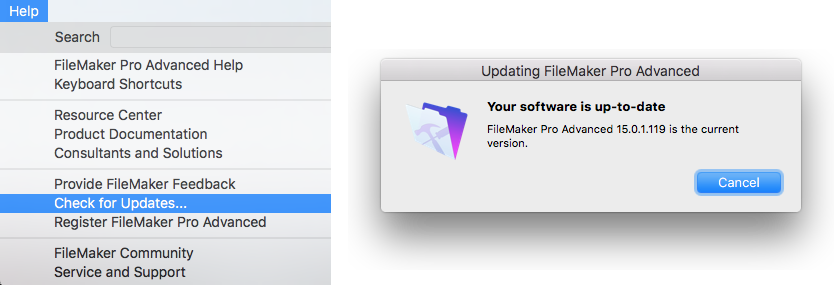
Check and download FileMaker Pro updates from Help menu online. No need to access FileMaker Download.
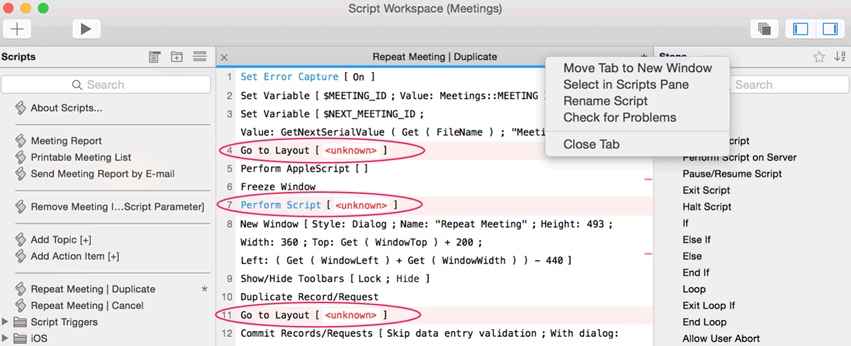
Highlighted script errors
Previously, errors in scripting were not highlighted. The new release identifies and highlights errors in your Script Step, which is helpful when writing multi-row Script Steps or importing scripts from other FileMaker apps.
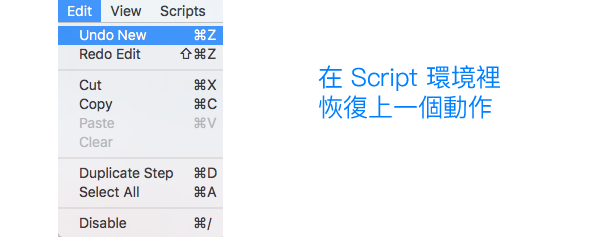
Recover the previous step in scripting
The previous release includes the new Script editor, but users found it didn’t support undo. FileMaker finally heard the voice of users worldwide, and added this feature in the new release. Now you can undo and redo your work as many times as needed, and have stronger confidence in scripting.
ESS Adapter
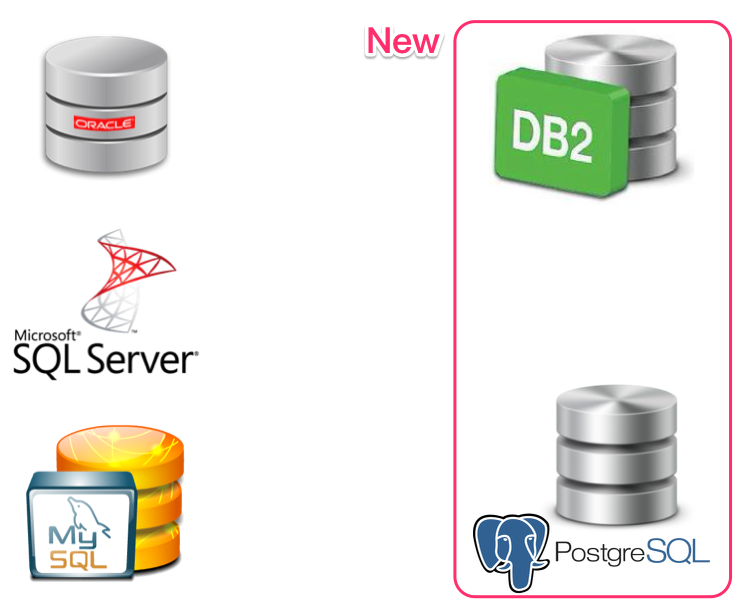
FileMaker allows you to connect to external data sources including MS SQL, MySQL and Oracle. Now the new release adds IBM DB2 and PostgreSQL.
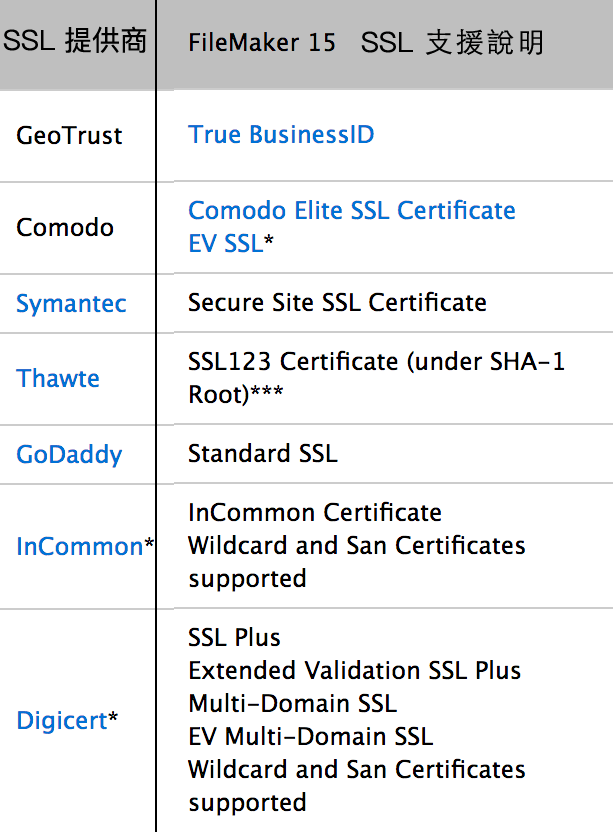
Security is especially critical for App. FileMaker Server now supports intermediate, Subject Alternative Name (SAN) and wildcard certificates. Also supports SSL certificates from more popular vendors including inCommon and DigiCert. The lock icon is also easy for users to use if you haven’t adopted SSL authentication mechanism.
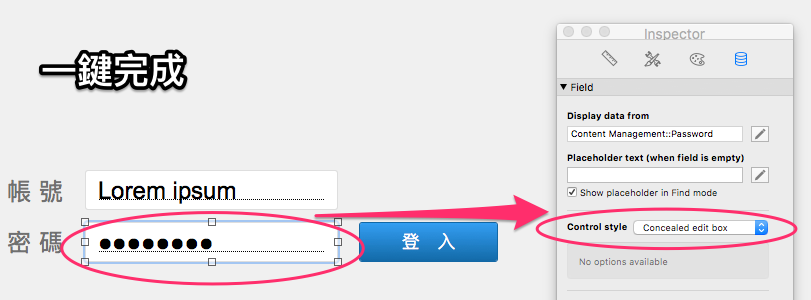
In addition, the previous versions didn’t natively include password field (•) in edit bar design. While in this release you may design the password field with one click.
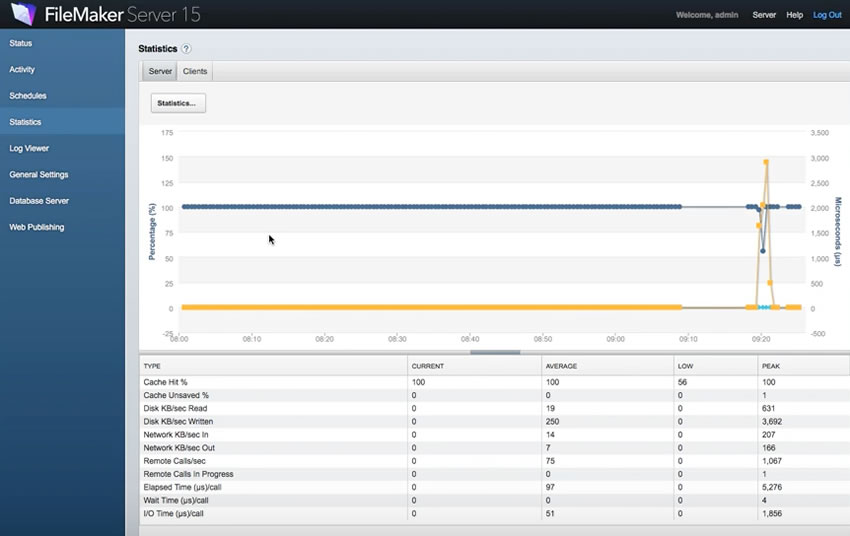
The whole FileMaker 15 platform has a performance elevation such as portal in-line progress bar. You can continue to use your app while other processes are running. FileMaker Server also supports Top call statistics logging. You may find the processes taking the longest time from FileMaker Server Admin, so as to improve your App performance.
Details of previous versions ! | |